Products
 Video
Video SMS Services
 Health

Sign up & purchase guide
1- After entering the website, click on the “purchasing SIM Card” option.

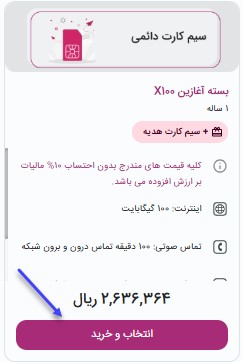
2- On the new page, select one of the available plans according to your needs and click on the "Register and Purchase" button.

3- At this stage, you can view and select the general specifications of the selected product.
4- In this section, you must enter the desired national code and the number that is named after the same national code to receive a "verification code". If you do not have a SIM card, select the option "No SIM card in operators".

5- Enter the code sent by SMS and click on the "Next Step" button.

6- In the specified fields, enter the number you want to check.

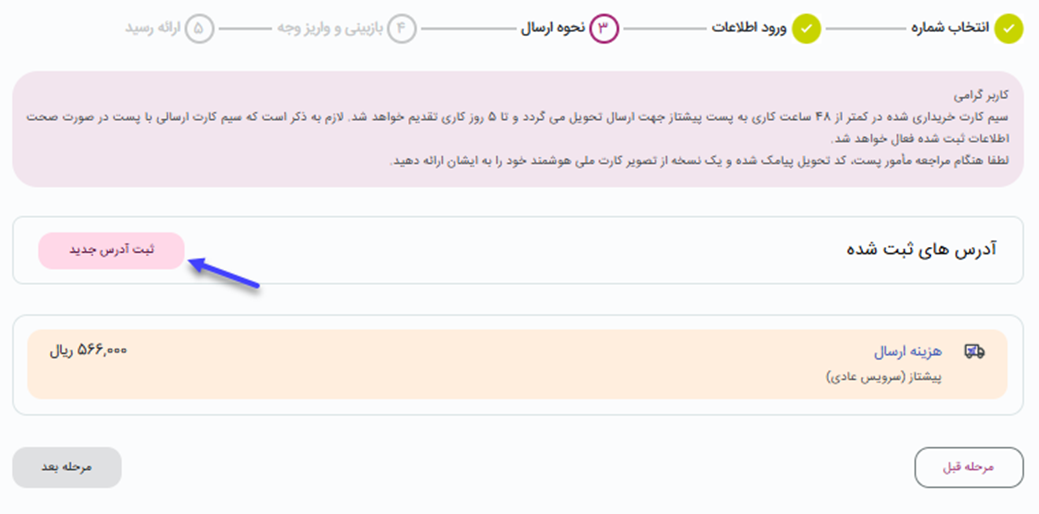
7- In the next steps, the personal information, how to send and insert the address should be done.

8- At this stage, you must review and confirm the entered identity and address information.

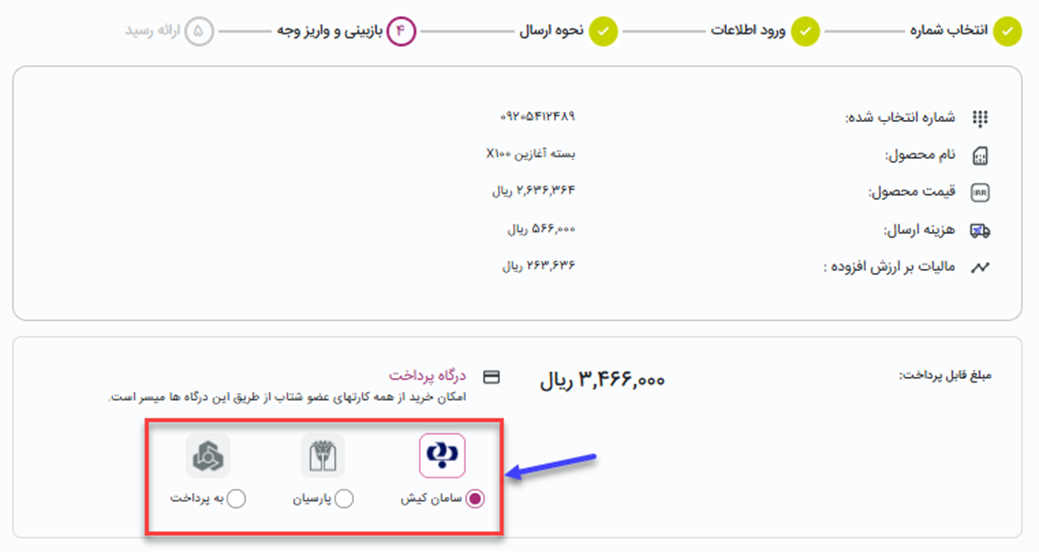
9- In this step, the invoice and the possibility of depositing money are displayed.